Instructors and students have free access to VoiceThread. To locate your account and view your VoiceThread Dashboard:
- Login to MyCI
- Open CI Learn
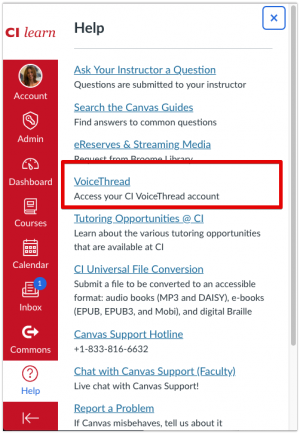
- Select the Help Icon (question mark) in the red global navigation menu on your CI Learn Dashboard
- From the dropdown menu, select VoiceThread
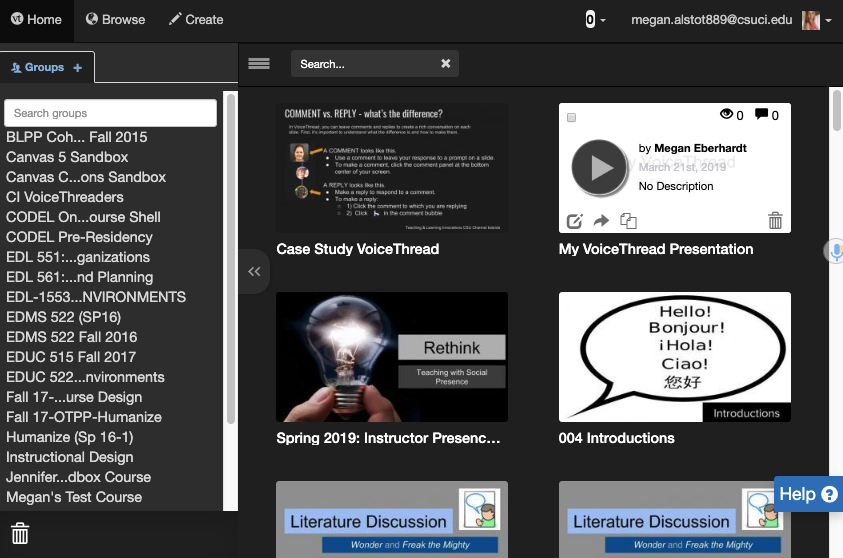
- You will be directed to your VoiceThread Dashboard.
- Once in your Dashboard you will see any VoiceThreads you have created and any that have been shared with you.
Locate a VoiceThread you have created
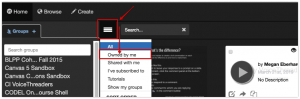
- Select the menu icon that looks like three stacked horizontal lines (hamburger menu) in the top menu to the left of the search box.
- From the dropdown menu, select Owned By Me.