
From the Editing Window
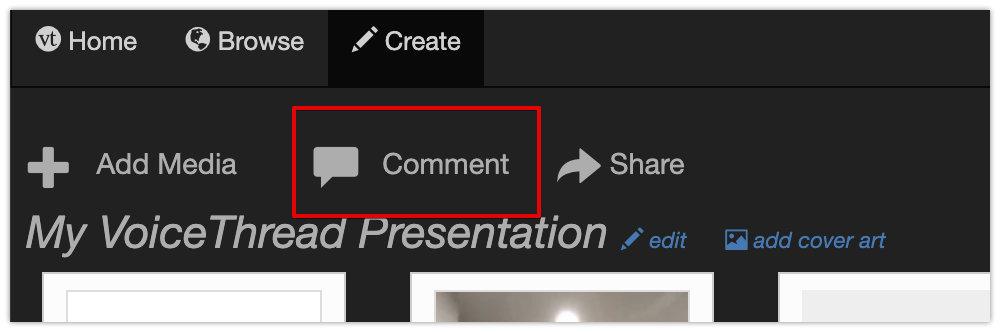
To add comments to your VoiceThread select Comment from the menu at the top. This will display your VoiceThread as a presentation.
From within a Presentation
From the presentation view you can add voice, video, or text comments to your media. You can also draw on your media while recording your comments, as can students. The video below will show you how to use features within the presentation. Once you have the basic idea, open your own VoiceThread Account and begin exploring. You will learn best by doing!
