
Within your CI Learn courses, you are able to access alternative formats of course files. The type of alternatives available will depend on the file type. For example, a PowerPoint will have options for a tagged PDF, HTML, ePub, electronic braille, and audio formats.
To access the alternate formats for a specific item, click the downward arrow next to the name and select ‘Alternative formats’ or select “Alternative formats” to open the download window.

A ‘Download alternative formats’ window will then open and display the available options to choose from.
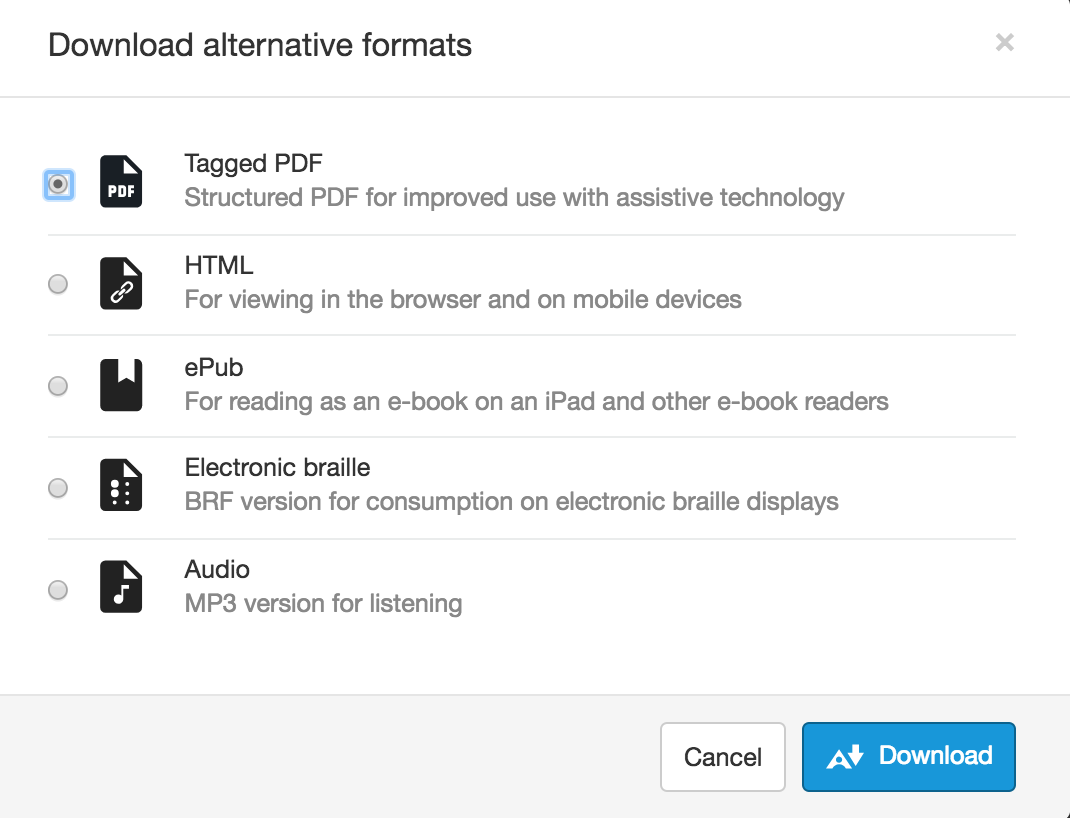
Once you make your selection, click ‘Download’. Remember, larger files may take longer to download.
