
You can leave VoiceThread and return to continue working. To locate and edit an existing VoiceThread:
- Once in your VoiceThread Dashboard select Owned by Me
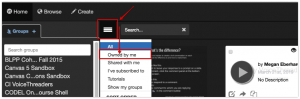
- Locate the VoiceThread you want to edit
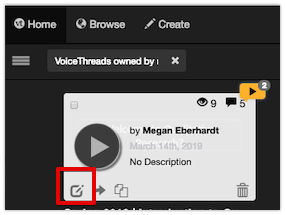
- Mouse over the VoiceThread
- Click on the pencil icon in the lower left of your VoiceThread Thumbnail
- This will take you to the editing dashboard
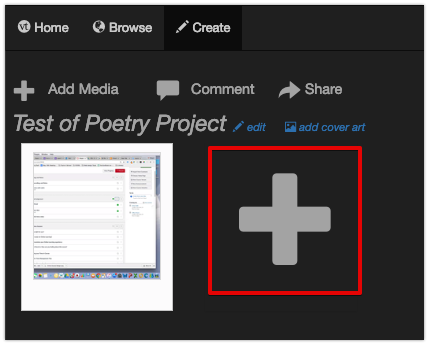
- To add media click on the large plus sign to open the Add Media Menu
- VoiceThread automatically saves your work. You do not have to Save before leaving the dashboard.
